
Site Surveys
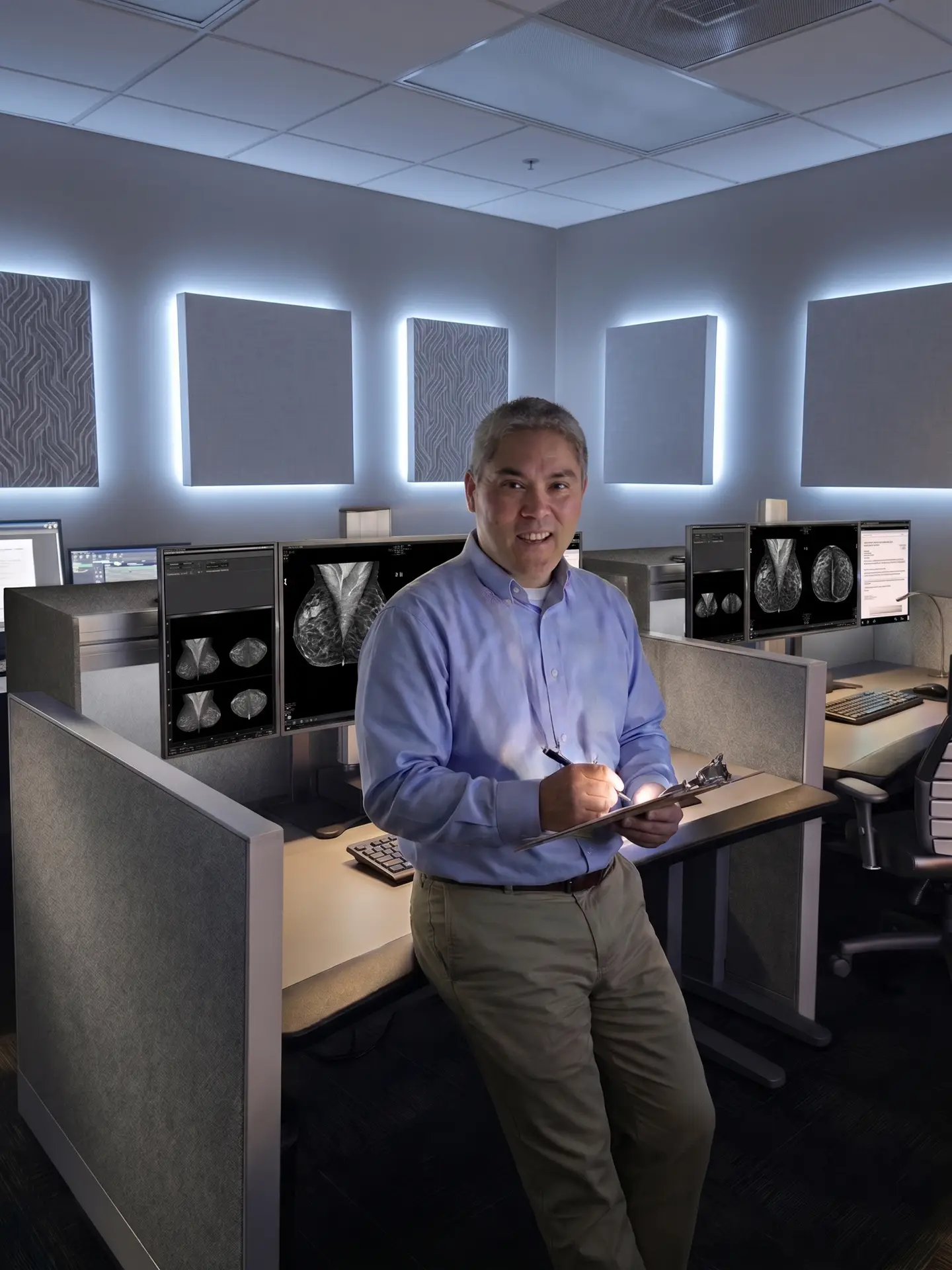
The engineers at Double Black Imaging combine years of experience with technical competency and industry expertise to develop perfect medical imaging workstation solutions for healthcare enterprises. Providing a wide array of medical display solutions, calibration, ergonomic workstations and servicing options, the team develops recommendations based on industry best practices for PACS, breast imaging, clinical, and surgical applications.
Double Black Imaging treats each workstation as an individual solution to provide you with hyper-specific recommendations for each surveyed workspace.
Double Black Imaging site survey recommendations may include:
Diagnostic Displays
Choosing the correct FDA-cleared display for PACS or Breast Imaging is a critical element in ensuring the best patient care and productivity for the radiologist.
Double Black Imaging helps you answer the following questions:
What display will best suit your needs?
• Studies to be read
• Color vs. Monochrome
• Size
• Resolution
• Layout
What does the Radiologist workflow look like?
• Which productivity tools will help optimize this?
What CPU or Workstation is required?
• DBI can provide these pre-configured with their systems/solutions
What is the ergonomic situation at the workstation?
• Would specific tables or desks improve workflow or comfort for the Radiologist?
• Mounting options
• Sit to stand options
The team will then pair industry knowledge with comprehensive analysis to provide you with a list of choices that will best suit your specific diagnostic needs.
Ergonomic Workstations and Configurations
Designing an ergonomic radiology reading room is critical to supporting radiologist comfort, reducing fatigue, and improving long-term productivity across diagnostic workflows.
Double Black Imaging helps healthcare organizations evaluate and optimize the following areas during ergonomic site surveys and workflow assessments:
How well does the current reading room support Radiologist comfort and efficiency?
• Reading room layout and workstation positioning
• Viewing distances and monitor placement
• Ambient lighting and glare considerations
• Workflow bottlenecks and room utilization
Is the workstation ergonomically optimized for long reading sessions?
• Sit-to-stand workstation recommendations
• Desk sizing, depth, and adjustability
• Monitor mounting and positioning options
• Keyboard, mouse, and dictation placement
• Cable management and workspace organization
Is the seating appropriate for extended diagnostic reading?
• Ergonomic chair evaluation and recommendations
• Posture and support considerations
• User adjustability for different readers and shifts
• Reducing neck, shoulder, and back strain
How does the Radiologist workflow function throughout the day?
• PACS, worklist, and dictation workflow review
• Multi-monitor layout optimization
• Reading efficiency and productivity considerations
• Remote reading and home workstation evaluations
• Standardization across enterprise deployments
What technologies or configurations could improve workflow and comfort?
• Ergonomic workstation solutions purpose-built for radiology
• Diagnostic display placement optimization
• Integrated CPU and workstation configurations
• Task lighting and ambient lighting recommendations
• Flexible solutions for multi-modality and breast imaging environments
The DBI team combines radiology workflow expertise, ergonomic best practices, and real-world reading room experience to provide practical recommendations tailored to your clinical environment, operational goals, and radiologist preferences.
Surgical Displays
Medical image technology plays a critical role in the operating room. Image quality as well as Medical Device safety and certification are vital within the surgical suite.
The on-site service technicians help you answer the following questions:
Where will the monitors be positioned?
• How close to the patient will the monitors be during the procedure and transport?
• What Mounting options will be needed?
• Special Cabling requirements
How close will the displays come to bodily fluids?
• Special sanitization or sterilization may be required
What studies will be on the displays?
• Live images vs PACS in the OR
• What inputs will be required?
• Signal switching requirements
Overall Surgical Suite layout
• Will the Surgical Monitors be stationary, Boom-Mounted, or Moved on OR Carts?