
Digital Pathology Displays for Whole Slide Imaging
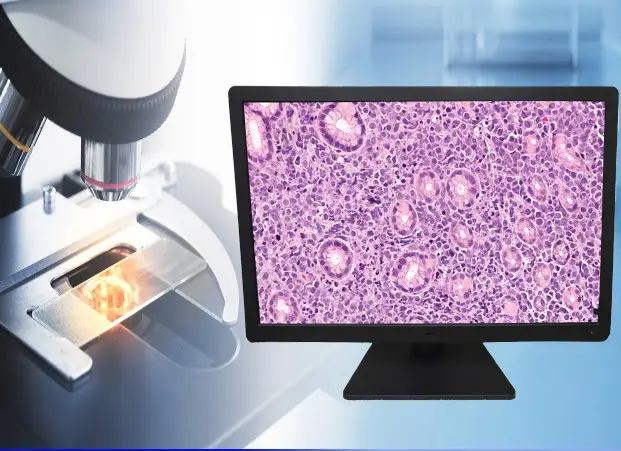
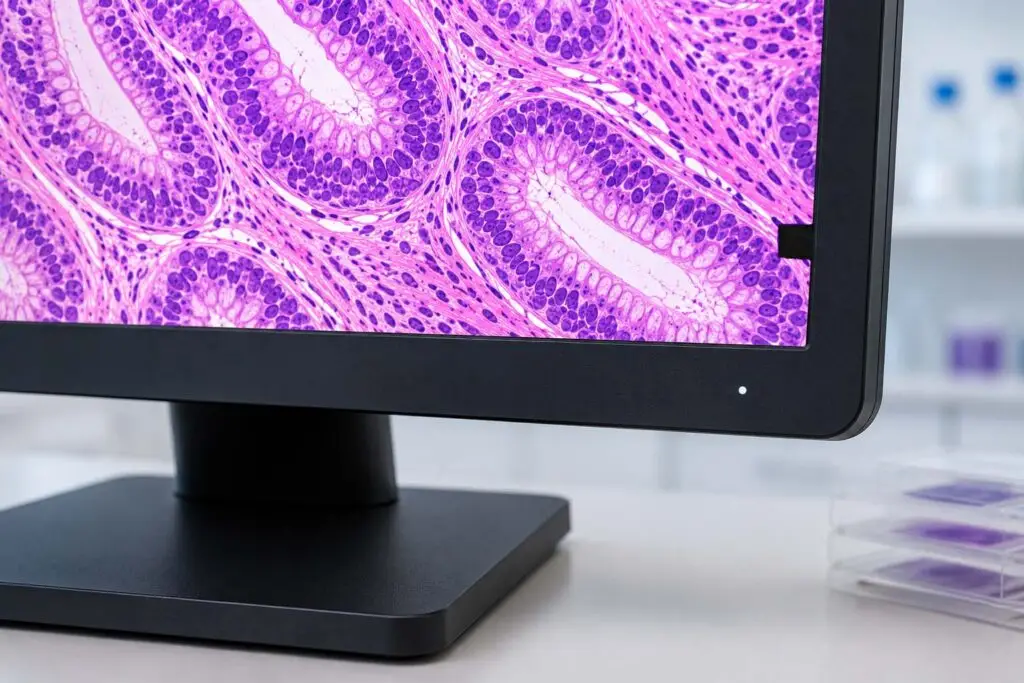
Digital pathology has fundamentally changed how pathologists work. Whole slide imaging (WSI) replaces glass slides with high-resolution digital scans. These scans are reviewed on a display — making the monitor one of the most critical tools in the diagnostic chain.
Not all displays are equal for this task. Consumer monitors lack the color stability, luminance control, and regulatory clearances that diagnostic imaging requires. Double Black Imaging’s pathology displays are engineered specifically for WSI review, delivering consistent, accurate color rendering throughout their service life.
- Purpose-built for Digital Pathology
- sRGB-calibrated
- FDA 510(k) cleared
Choose your Pathology Display
Primary Diagnostic Displays
Purpose-built for whole slide imaging — sRGB-calibrated, sensor-stabilized, and backed by a 5-year warranty.
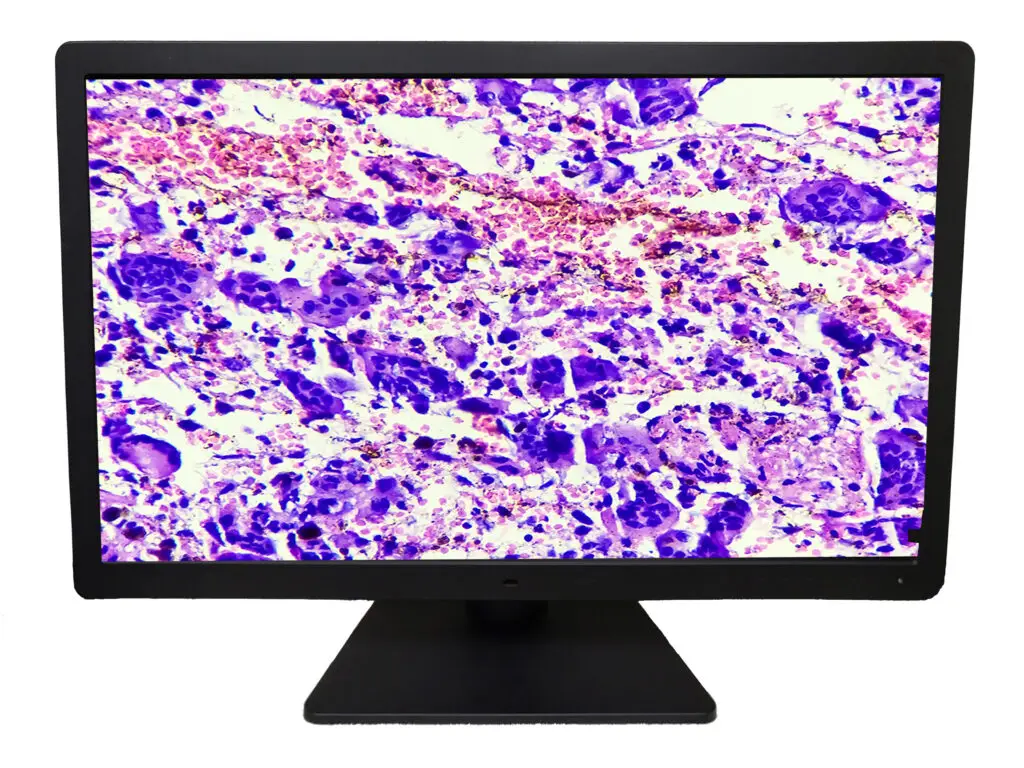
27" Digital Pathology Display
Medical-grade 8MP color display with built-in sensors, automated sRGB calibration, and CFS fleet management

27" Digital Pathology Display — Touchscreen
All PA27 features plus a 10-point P-CAP touch panel. FDA 510(k) cleared for primary diagnosis.
Why Display Quality Matters in Digital Pathology
Pathologists interpret stain color to identify tissue structures and disease markers. Slight color shifts — caused by uncalibrated monitors or luminance drift — can affect diagnostic confidence. Peer-reviewed research confirms that medical-grade monitors with verified color accuracy produce results comparable to traditional glass-slide microscopy.
Three display characteristics are clinically significant in WSI review:
Color Accuracy
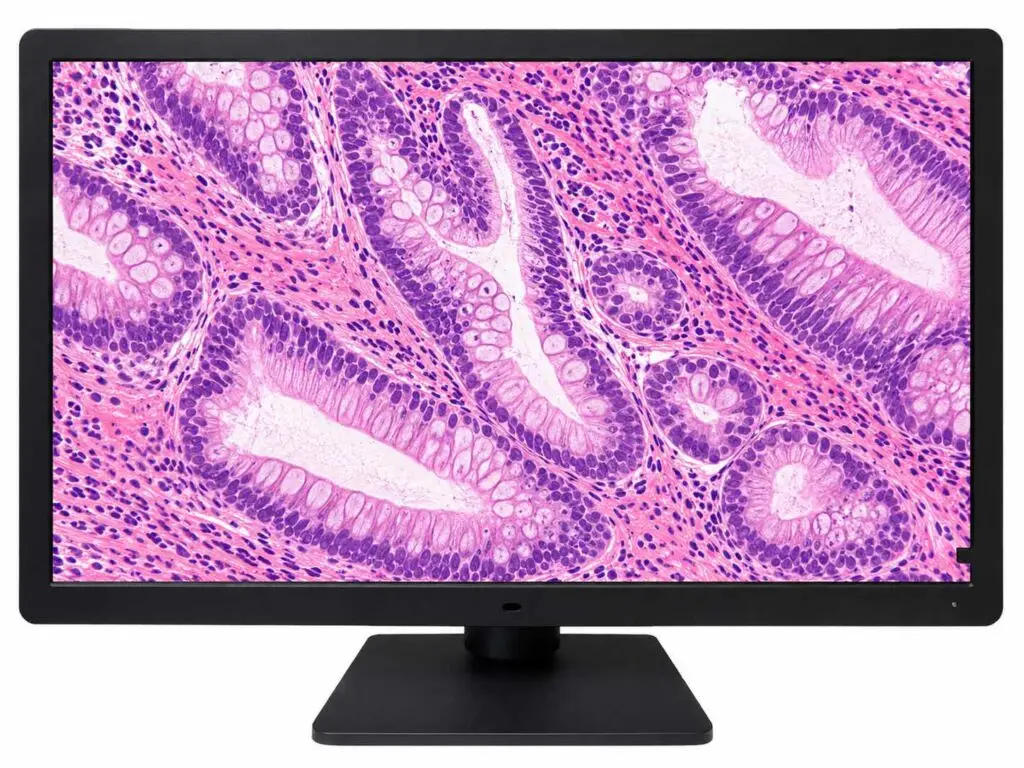
Hematoxylin and eosin (H&E) staining uses distinct blue-purple and pink hues to identify cell nuclei and cytoplasm. Immunohistochemistry (IHC) markers depend on precise color differentiation. The DBI pathology displays are calibrated to the sRGB color standard — the same color space used by WSI scanners. This ensures what the scanner captures is what the pathologist sees.
Luminance Stability
Display brightness naturally decreases over time. Without active compensation, pathologists unknowingly review images on a dimmer screen — changing their visual baseline. DBI displays use built-in front sensors and backlight sensors to detect and correct luminance drift in real time. Brightness stays consistent from day one to year five.
Spatial Resolution
A whole slide image at full resolution contains billions of pixels. Viewing it on an 8MP
(3840 × 2160) display ensures fine structural detail — cell borders, nuclear morphology, stromal patterns — renders clearly without resampling artifacts. Higher pixel density reduces the need for constant zooming and panning, improving workflow efficiency.
Designed for Every Pathology Environment
Hospitals and Health System Labs
Supports high-volume diagnostic workflows with consistent color accuracy and reliability.
Telepathology & Remote Consultation
Delivers calibrated display performance off-site that matches your laboratory standard.
Academic & Research Institutions
Provides consistent color rendering across workstations for education and peer review.
Reference Laboratories
Built for continuous clinical use with automated compliance monitoring .
Built for Pathology. Not the Office.
Consumer monitors — even high-quality professional models — are not designed for the demands of clinical diagnosis.
Here is what sets DBI pathology displays apart:
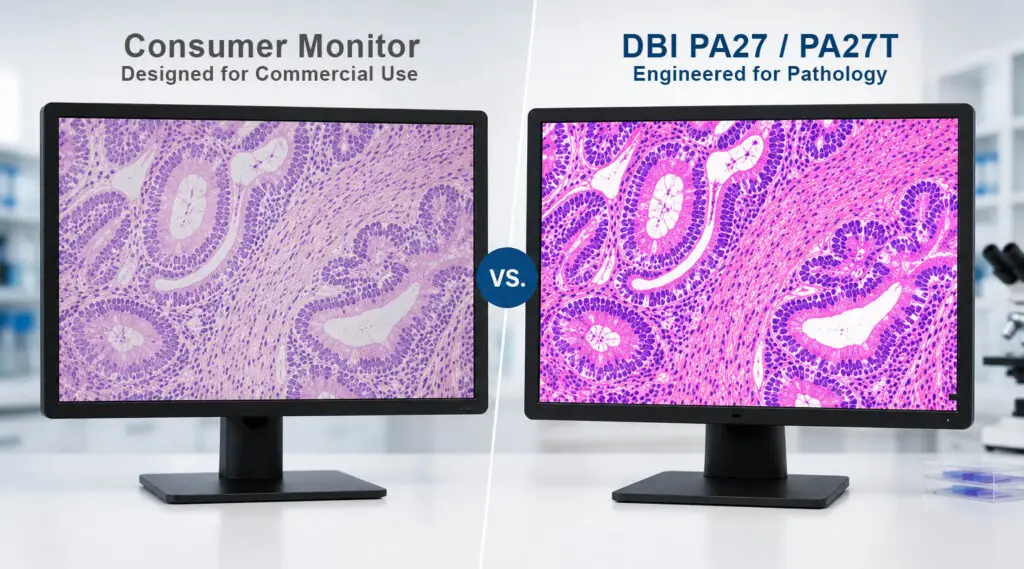
| Feature | DBI PA27 / PA27T | Consumer Monitor |
|---|---|---|
| Built-In Front Sensor | ✓ | No |
| Backlight Sensor | ✓ | No |
| sRGB Hardware Calibration | ✓ | No |
| Automated Calibration Logging | ✓ | No |
| FDA 510(k) Clearance | ✓ | No |
| Medical Grade Safety Certifications | ✓ | No |
| 5-Year Warranty | ✓ | 1-3 Years Typical |
| Remote Fleet Management | ✓ | No |
CFS Calibration Software — Included with Every Display
Every DBI pathology display ships with the CFS Calibration Suite®.
Developed in the United States for North American clinical standards, it provides:
Automated sRGB Calibration
The display calibrates itself using its front sensor. No manual intervention required. Calibration logs are recorded automatically for compliance documentation.
Remote Fleet Management
Manage one display or an enterprise-wide deployment from a single web-based dashboard. View calibration status, schedule maintenance windows, and track asset history across multiple sites. CFS Calibration Suite® manages Radiology, Breast Imaging, Clinical and Pathology Displays all from one dashboard.
Automated Email Alerts
When a display drifts out of compliance, the system sends an alert before it affects workflow. Proactive notification eliminates surprise failures.
Compliance Reporting
Export calibration history for internal QA/QC audits, regulatory reviews, or accreditation documentation.
Digital Pathology FAQs
What resolution do I need for digital pathology?
An 8MP display (3840 × 2160) is the recommended resolution for whole slide image review. It allows pathologists to view fine tissue architecture — including nuclear morphology, cell borders, and stromal patterns — without significant resampling artifacts.
Why does sRGB matter for pathology?
Most WSI scanners are calibrated to the sRGB color space. When the display is also calibrated to sRGB, the color pipeline from scanner to screen is consistent. Without this alignment, stain colors — including H&E and IHC markers — may appear shifted, affecting diagnostic interpretation.
Do I need an FDA-cleared display for primary diagnosis?
The FDA's pixel pathway framework requires that displays used for primary diagnosis in regulated WSI workflows be cleared as part of an approved system. The DBI PA27T is FDA 510(k) cleared (K232202) for use with the Leica Aperio GT 450 DX system. Contact DBI to confirm compatibility with your specific scanner and software.
What is the difference between the PA27 and PA27T?
The PA27T adds a P-CAP 10-point touchscreen panel. Both models share the same 8MP resolution, 500 cd/m² brightness, 1000:1 contrast, sRGB calibration, built-in sensors, 5-year warranty and are FDA 510(k) cleared. The touchscreen enables direct slide navigation and annotation without a mouse.
How does the automated calibration work?
The built-in front sensor measures the actual luminance and color output of the display. CFS Calibration Suite® compares these measurements to the target sRGB profile and adjusts the display's output accordingly. The process runs automatically on a schedule, with results logged for compliance documentation.
Can these displays be managed across multiple sites?
Yes. CFS Calibration Suite® includes a web-based dashboard for enterprise fleet management. Administrators can monitor calibration status, schedule maintenance, and export compliance reports for all displays across multiple locations — from a single interface.
Can CFS Calibration Software manage all of our display types across the enterprise?
Yes. CFS Calibration Suite® is not limited to pathology displays. It manages DBI's full range of medical-grade monitors — including diagnostic radiology, mammography/tomosynthesis, breast imaging, clinical review, and digital pathology displays — from a single web-based dashboard. Remote readers are included. Whether your team is reading on-site, from a home workstation, or across multiple facilities, CFS Calibration Suite® provides centralized calibration scheduling, compliance tracking, automated alerts, and exportable reporting for every display in your fleet.
Testimonials
Ready to Upgrade Your Pathology Workflow?
Our display specialists understand digital pathology requirements — from FDA clearance and sRGB compliance to scanner compatibility and fleet management. We match the right solution to your environment.