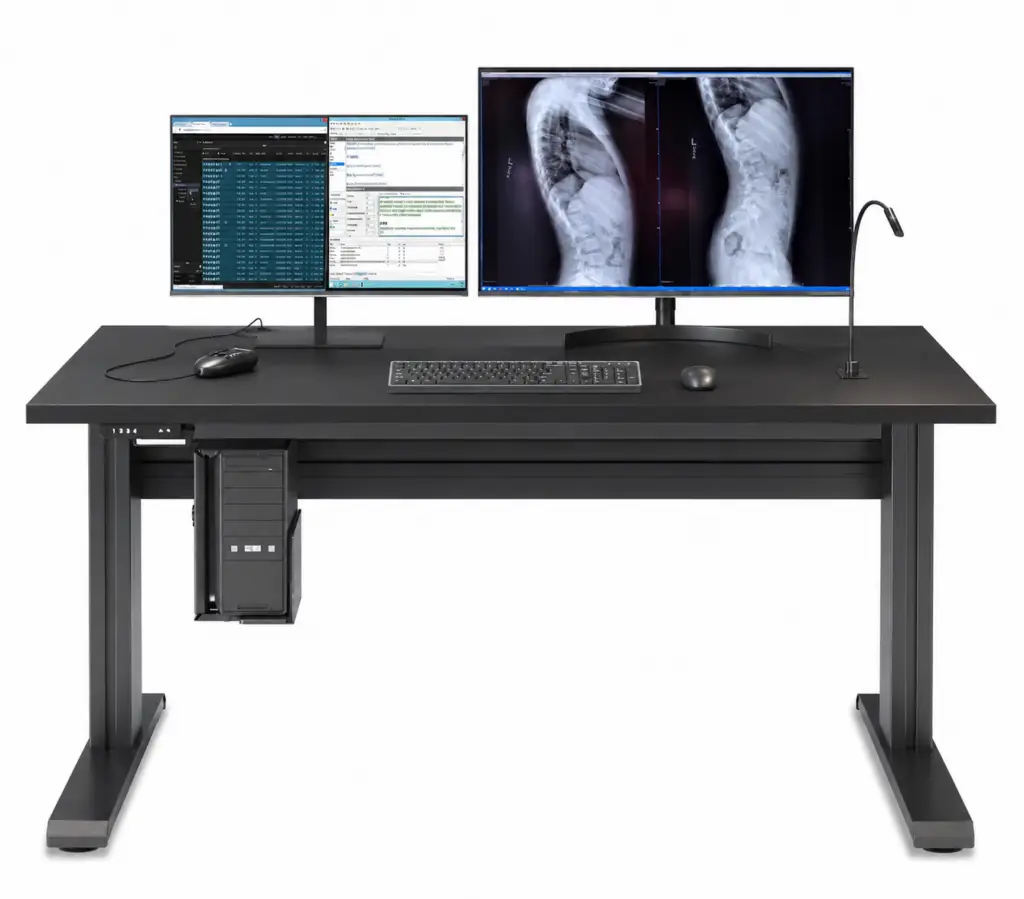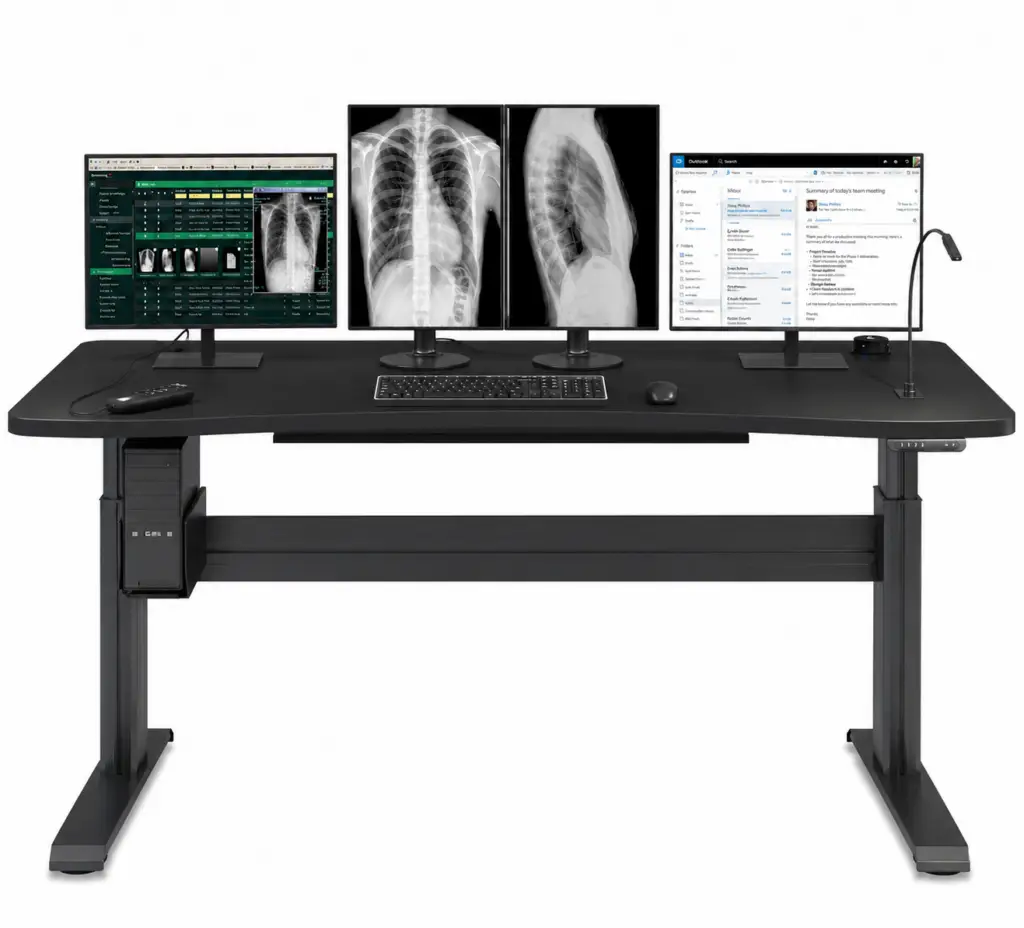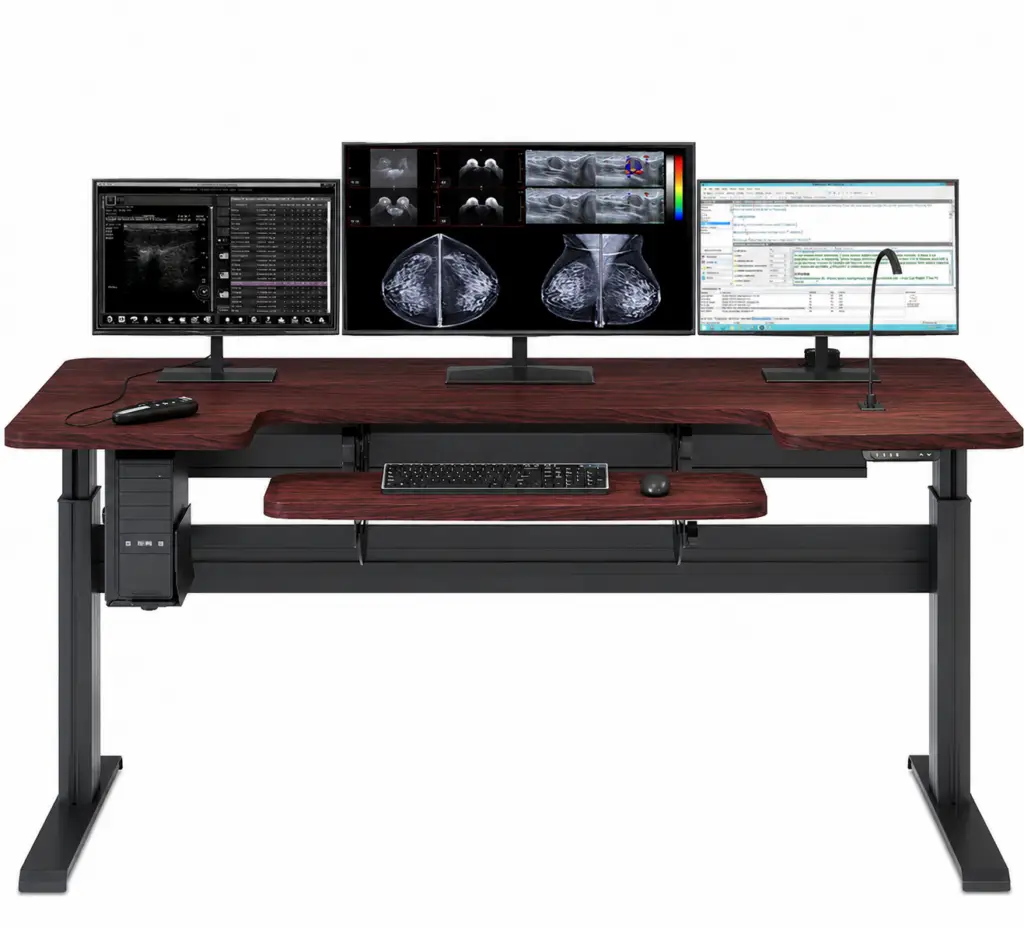
EZ-Track Monitor Mounting System
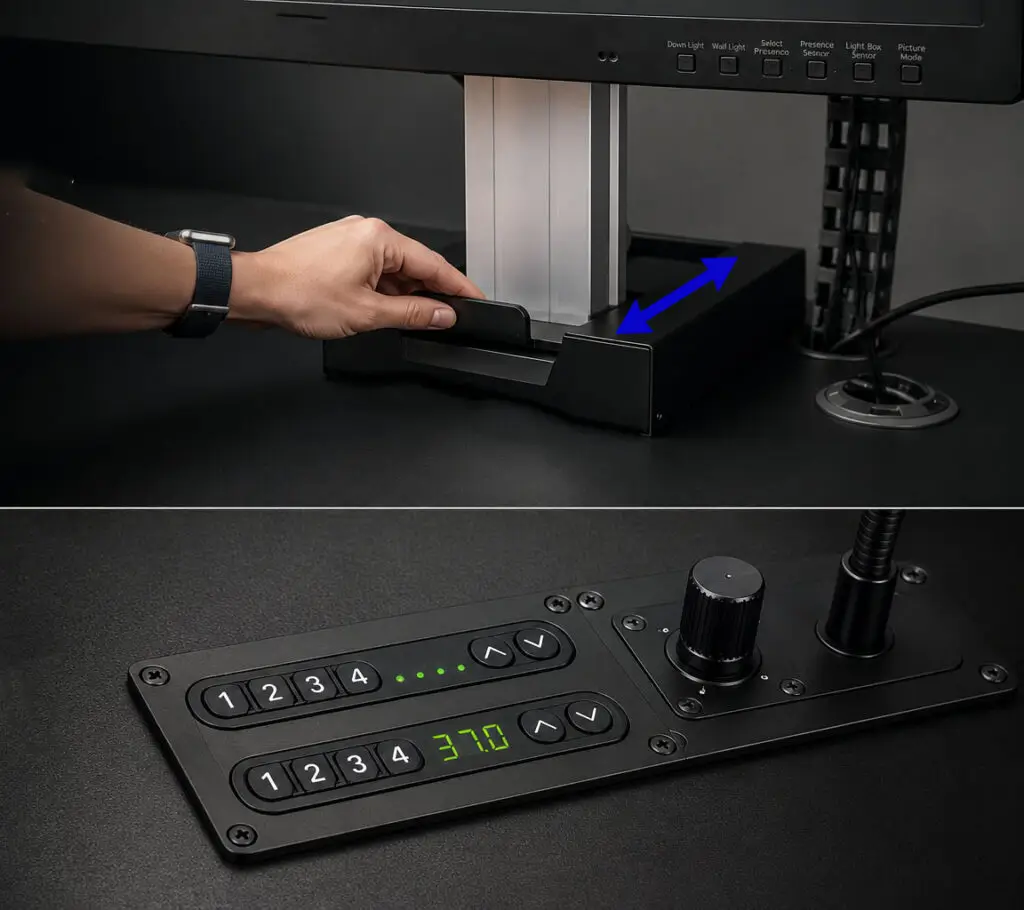
Display position is central to comfortable, accurate reading. The EZ-Track system places every screen at the right height and distance, then holds it there. Monitors move forward and back together and up and down independently of the desk, so the radiologist keeps an ideal viewing angle through every posture change.
• Integrated Height and Depth Adjustment
• Unified Forward and Back Motion
• Independent Vertical Adjustment
• Built for a Variety of Diagnostic Displays
• Smooth, Stable Positioning
• Integrates With a Variety of Workstations, including Phoenix Workstations
Height + Depth Adjustment
|
Unified Motion
|
Independent Electronic Lift
|
Multi-Display
How EZ-Track Improves Reading Ergonomics
EZ-Track keeps displays at the correct distance and angle as the radiologist moves.
Better display position reduces neck strain and supports accurate interpretation.
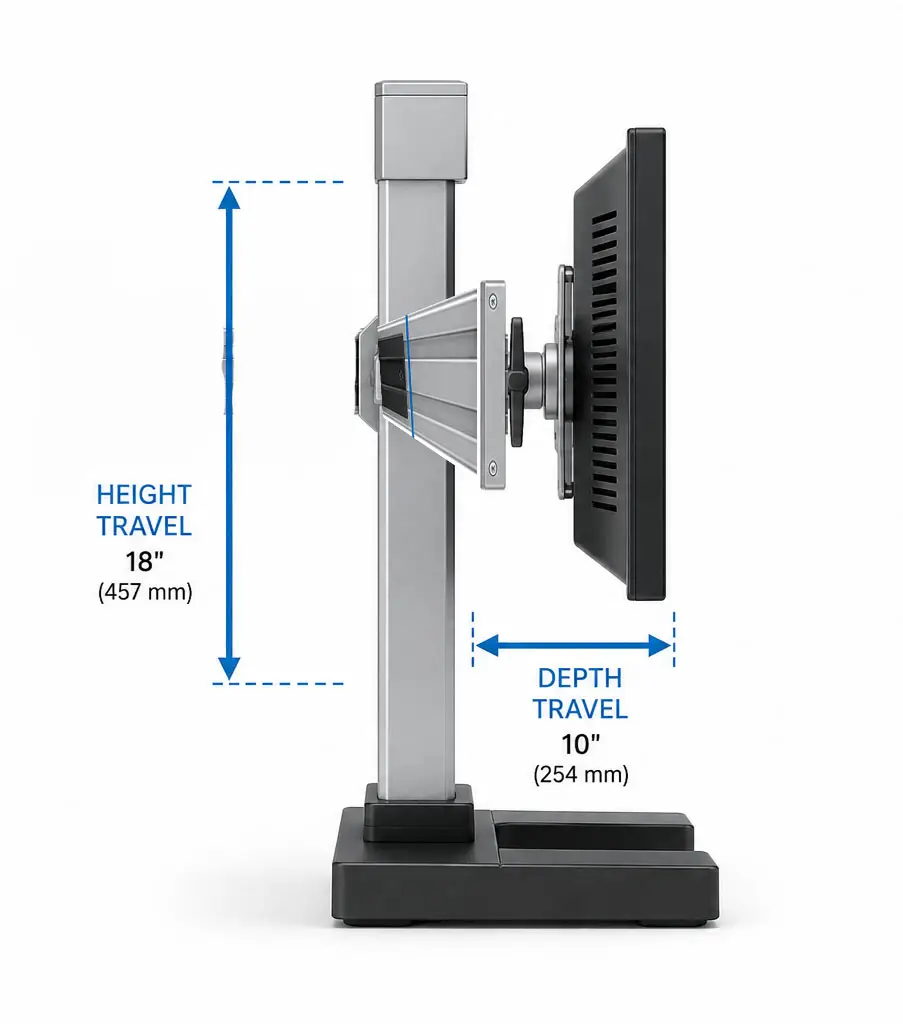
Independent Height and Depth
Dial In the Exact Position
EZ-Track adjusts both how high and how far the displays sit. The radiologist sets a precise viewing distance and eye height. Correct positioning reduces neck and shoulder strain during long reading sessions.
- Adjustable Display Height
- Adjustable Display Depth
- Precise Viewing-Distance Control
- Reduces Neck and Shoulder Strain
Unified and Independent Motion
Move Screens Together
Displays move forward and back in unison to keep a consistent reading plane. Each display also moves up and down independently of the desk surface. This balances a uniform layout with per-screen fine-tuning.
- Forward and Back in Unison
- Independent Vertical Movement
- Consistent Reading Plane
- Per-Display Fine-Tuning
Built for Diagnostic Displays
Stable Support Where It Matters
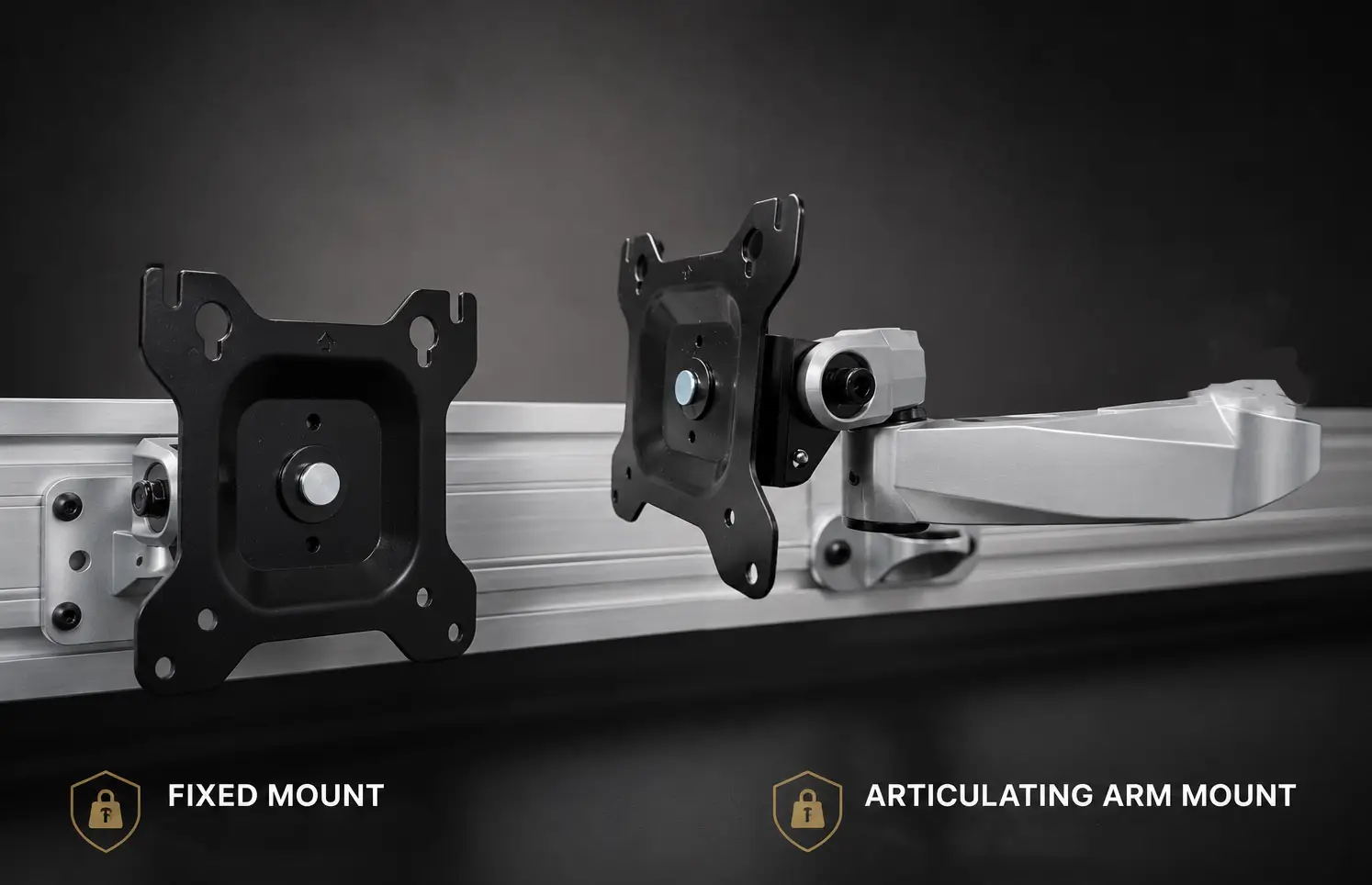
Diagnostic monitors are heavier and more demanding than office screens. EZ-Track is engineered to hold them securely and move them smoothly. Stable mounting protects both the displays and the radiologist’s posture.
- Engineered for All Brands of Diagnostic Monitors
- Supports even the Heaviest of Displays
- Secure, Stable Hold with Smooth, Controlled Motion
- Supports Multi-Display Setups
Integrates With Phoenix Workstations
Standard on the Phoenix II
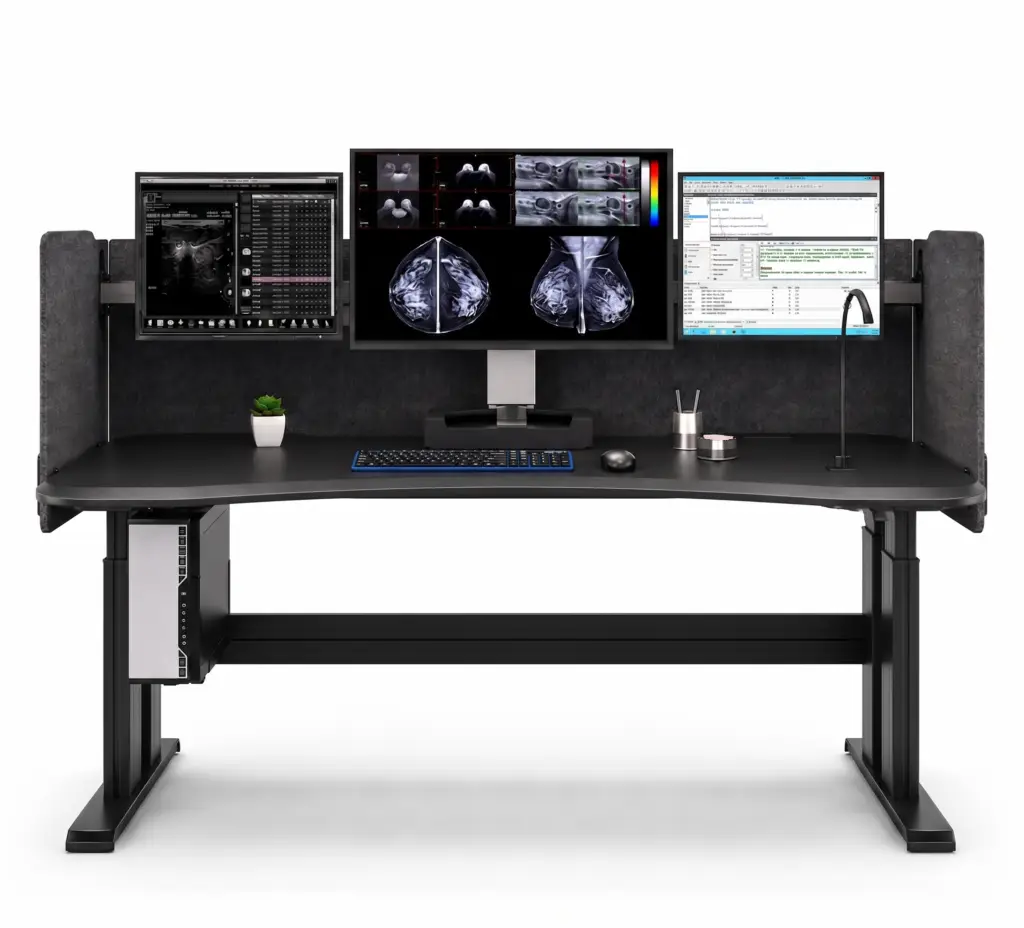
EZ-Track is the monitor system on the Phoenix II flagship workstation. It can also be specified as part of a custom build. A DBI specialist will confirm compatibility with your displays and configuration.
- Standard on the Phoenix II
- Available on Other Phoenix Models
- Compatibility Confirmed by DBI
- Part of a Single-Source Solution
EZ-Track Specifications
Key details for display mounting.
Type
Single work surface, home footprint
Surface Size
Radiology monitor mounting system for Heavy Duty Displays
Adjustment
Height and depth
Unified Motion
Displays move Forward and back in unison and Up and down in unison
Independent Motion
Vertical, independent of desk surface
Weight Capacity
140 lbs
Display Support
Multi-Display Capability, All Medical Display Vendors Supported
Lighting
Ambient Backlighting Built in
Cable Managment
Available to be integrated within EZ-Track
Platform
Standard on Phoenix II; available separately, on Phoenix workstations and custom builds
Manufacturing
USA
EZ-Track FAQs
What is the EZ-Track monitor mount?
EZ-Track is DBI's radiology monitor mounting system. It adjusts display height and depth, moving screens forward and back together while allowing independent vertical movement.
How is EZ-Track different from a standard monitor arm?
It is engineered for diagnostic displays and reading-room ergonomics. Screens share a consistent reading plane yet still adjust individually, which is harder to achieve with generic arms.
Is EZ-Track included with the Phoenix II?
Yes. EZ-Track is the standard monitor system on the Phoenix II and can also be specified on other Phoenix workstations, custom workstations or on it's own.
Can EZ-Track support multiple diagnostic monitors?
Yes. It supports multi-display reading setups. Confirm the exact display count and weights with a DBI specialist.
Will EZ-Track work with my existing displays?
Almost definitely! A DBI specialist will confirm fit before you order.
Does moving the displays forward and back knock items off the desk?
No. EZ-Track moves the displays along their own track, separate from the work surface. Many systems use a sliding "skateboard" platform that rolls the monitors across the desktop, which can bump or sweep off a keyboard, phone, or coffee. EZ-Track leaves the desktop clear, so the screens travel to your reading distance while everything on the desk stays put.

Precise display position is one of the simplest ways to make reading more comfortable.
Specify EZ-Track and DBI will confirm compatibility with your displays. Request pricing from a DBI specialist.