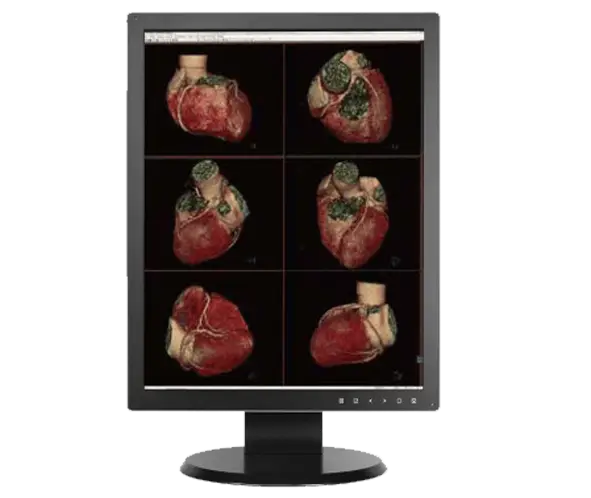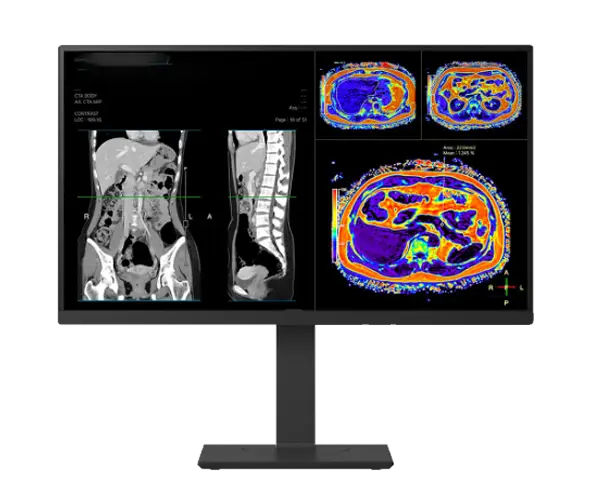
24" 2MP Clinical Review Display - DBIC24C+
Built for high-volume clinical review, the DBLG24C+, 24-inch 2MP color display pairs a 600 cd/m² IPS panel with automated DICOM 3.14 calibration through the CFS Calibration Suite. It is FDA 510(k) Class II cleared for clinical image review and engineered to keep luminance and grayscale stable across the full workday.
• 24″ 2MP (1920 x 1200) IPS Panel
• 600 cd/m² Brightness With Internal Front Sensor
• Automated DICOM 3.14 Calibration via CFS Calibration Suite®
24″ 2MP Color Display
|
600 cd/m² Brightness
|
DICOM 3.14 Calibrated
|
Clinical Display
Engineered for Clinical Review and Diagnostic Confidence
This display unites a calibrated 2MP color panel, automated quality assurance, and ergonomic workflow features in one integrated workstation. Every unit is calibrated and supported in the USA through DBI.
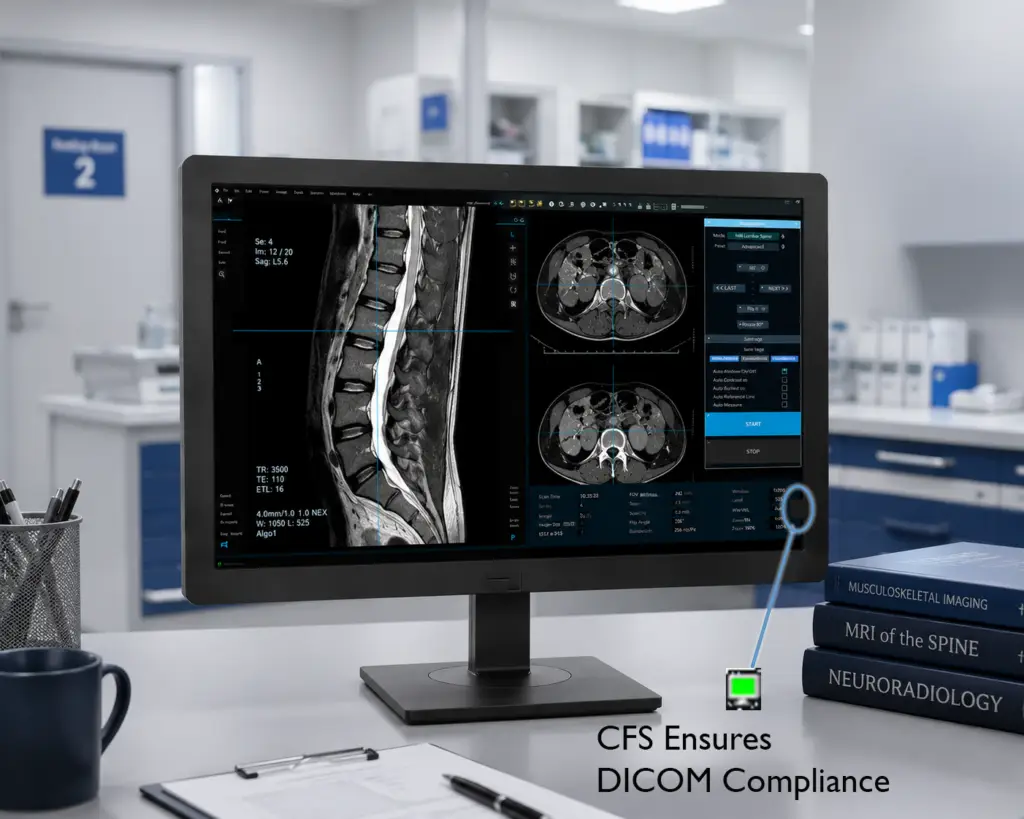
Automated DICOM Calibration with CFS
Calibration, Compliance & Enterprise Management
DBI pairs this display with the CFS Calibration Suite® for hands-free DICOM 3.14 calibration. CFS Calibration Suite® reads the internal front sensor, then monitors and adjusts luminance and grayscale on a set schedule. This removes manual intervention and keeps the display compliant across its full service life.
CFS Calibration Suite® also compensates for performance drift and preserves image integrity over time. Calibration and QA history are logged centrally for audit and accreditation reporting.
- Calibrates to the DICOM 3.14 Standard
- Internal Front Sensor — No External Puck Required
- Includes CFS Local Agent and CFS WebManager
- Scheduled Calibration and Drift Compensation
- Email Alerting for Proactive Maintenance
- Centralized QA Reporting
- Productivity Toolkit Included
- CFS Developed in the USA
Brightness and Viewing Built for Clinical Review
Bright, Stable, Comfortable Viewing in Clinical Environments
The panel delivers 600 cd/m² typical brightness and stabilizes calibrated luminance through the front sensor. That brightness lets the display calibrate to ACR luminance guidelines, so review stations show images at the same brightness radiologists see on higher-resolution diagnostic displays. An auto-luminance sensor adapts screen brightness to room lighting for consistent perception.
Reader Mode and Black Stabilizer tune the image for comfortable reading and help preserve detail in darker regions. Flicker Safe reduces eye strain during long review sessions, and the anti-glare surface limits reflections in bright rooms.
This is a clinical review display. It is not intended for primary diagnostic interpretation or mammography.
- 600 cd/m² Max Brightness; 350 cd/m² Calibrated Brightness
- Calibrated Luminance Stabilization
- 1000:1 Contrast Ratio
- Reader Mode and Black Stabilizer
- Flicker Safe for Reduced Eye Strain
- Anti-Glare Surface Treatment
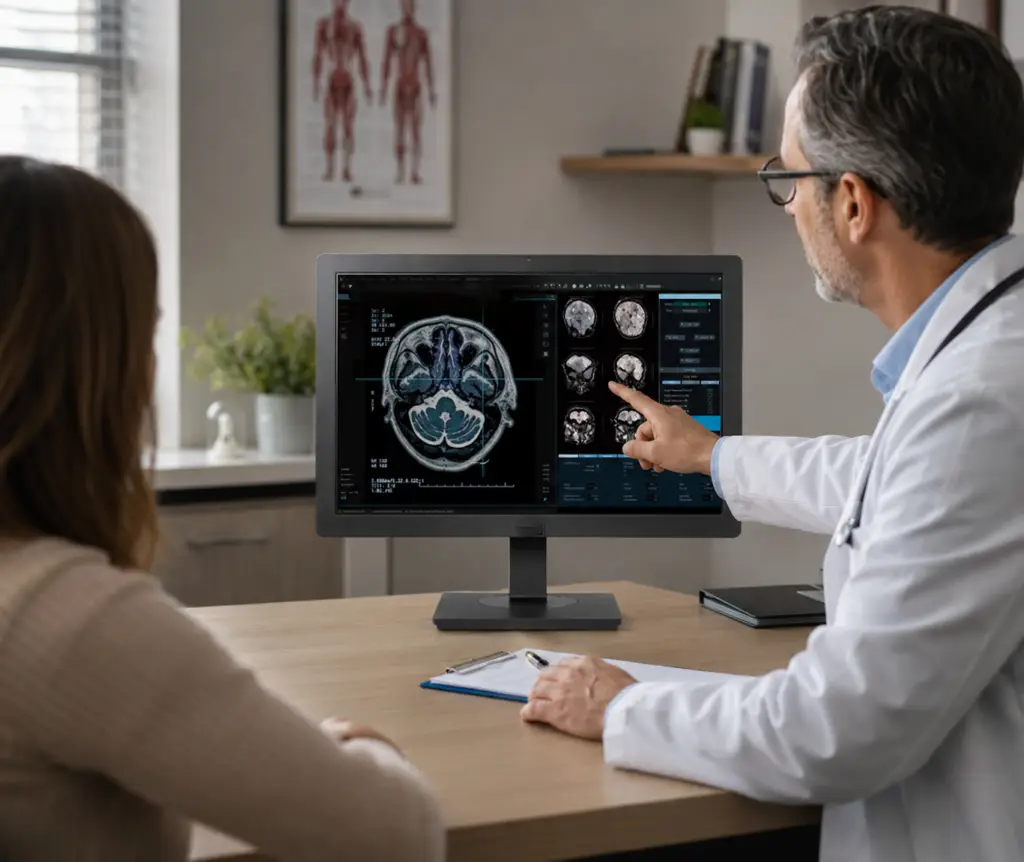
Versatile Connectivity and a Clutter-Free Workspace
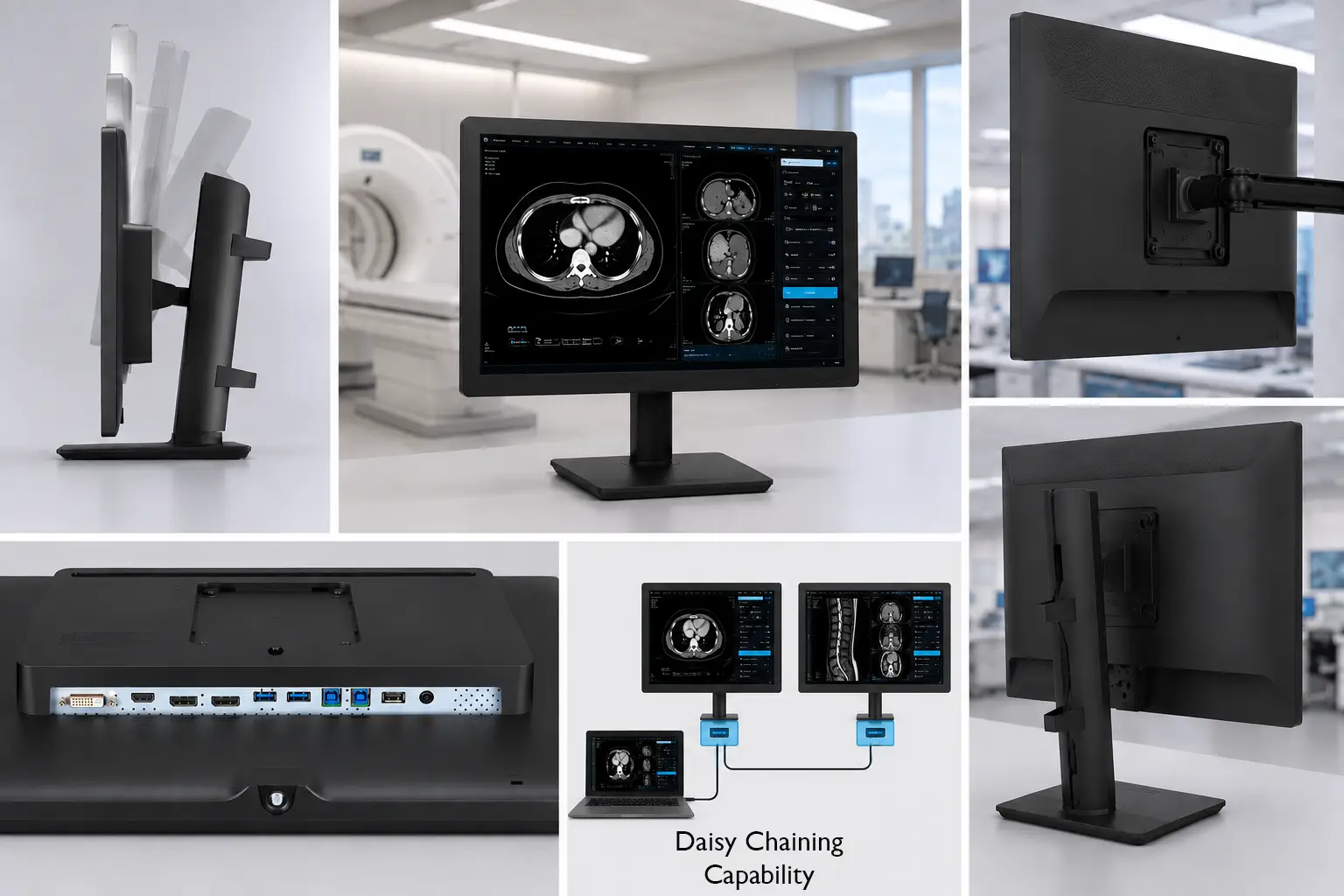
HDMI, DisplayPort Daisy-Chain, and Full Adjustability
The display accepts HDMI, DisplayPort, and DVI-D inputs, plus four USB 3.0 ports for peripherals. DisplayPort-out enables daisy-chaining, so one cable run can drive additional monitors at the reading station. The One-Click stand adjusts for tilt, height, and swivel, and a bi-directional auto-pivot rotates the screen between portrait and landscape automatically.
- HDMI, DisplayPort (In/Out), and DVI-D Inputs
- DisplayPort Daisy-Chain Support
- 4x USB 3.0 (2 Up / 2 Down)
- Bi-Directional Auto-Pivot (±90°)
- Tilt, Height, and Swivel Adjustment
- 100 x 100 mm VESA Mounting
USA-Based Service, Support, and Warranty
Comprehensive Warranty & Industry-Leading Support
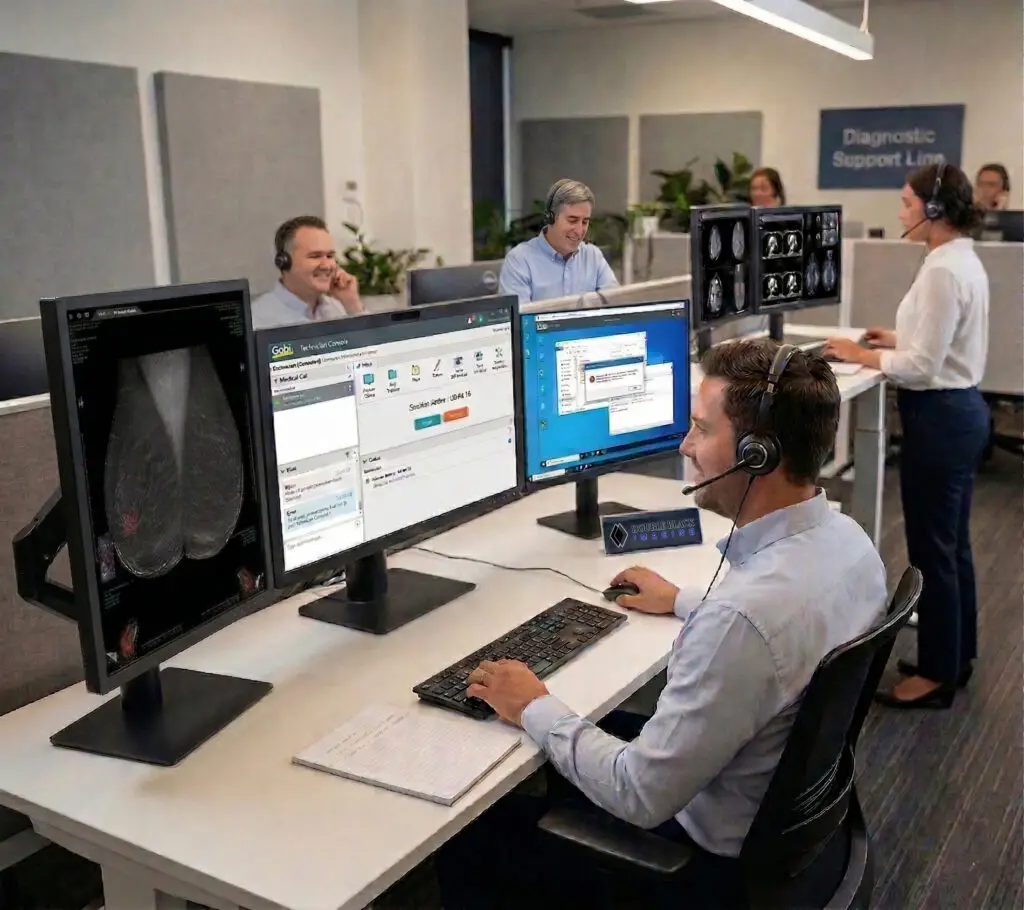
Backed by a 3-year warranty and USA-based service, this display delivers reliable support, faster response times, and long-term operational confidence. Every unit is calibrated, tested, and supported from DBI’s Colorado facility. Trusted daily by PACS administrators, radiologists, and enterprise healthcare organizations, DBI is known for responsive service.
- 3-Year Warranty, Extended Coverage Optional
- Calibrated and Supported in the USA
- Direct Access to USA-Based Support Teams
- Proven Across Enterprise Healthcare Environments
DBLG24C+ Specifications
Key technical details for evaluating performance, compatibility, and long-term deployment requirements.
Resolution
1920 x 1200
Screen Size and Active Area
24″, 16:10 Aspect Ratio; 20.5 x 18.875″ Active Display Area
Screen Type
LED Backlit LCD
Brightness
600 cd/m2
Contrast
1000:1
Viewing Angle
178 Degrees Typical
Pixel Pitch
0.270 x 0.270 mm
Response Time
5ms (GtG at Faster)
Video Inputs
HDMI, Display Port (2), DVI, USB V 3.0 Down (2), USB V 3.0 Up (2)
Dimensions W x H x D (Inches)
22.63″ x 16.25 ~22.5″ x 9.25″ w/Stand;
Weight (lbs)
15.8 lbs w/Stand
Power Supply
External for added reliability. AC Input to power brick: 100-240V
Power Consumption (on/savings)
65W; Less than 0.3W in Power Save
Certifications
UL (cUL), IEC (IEC 60601-1 / IEC 60601-1-2), EN (EN 60601-1/EN 60601-1-2), IEC (IEC 60950-1/IEC 55032,55024), EN (EN 609501/ EN 55032,55024), CE, KGMP, KC (for Rep. of Korea), RoHS, REACH, WEEE, MFDS,MDR, FDA 510(k) (Class II), ISO13485, GMP
Recommended Modalities
CT, MR, NM, Ultrasound, PET, General PACS Review
Other Features
Front Sensor for True Auto-Calibration, CFS Client/WebManager Calibration Software included, Rear Sensor for Back light brightness control, Digital Ambient Light Compensation, Complete Screen Luminance Uniformity Control, Built in LED Task and Wall lighting, 14 Bit Processing for Precise Image Rendering, VESA Standard Mounting configuration, Other Mounting options available.
24" Clinical Display FAQs
What is a 24" 2MP clinical review display used for?
It is used for hospital-wide review of clinical data and medical images, including PACS review, EMR access, and reference viewing of studies. The 2MP color panel suits CT, MR, ultrasound, and general radiology review. It is a review display, not a primary diagnostic interpretation device.
How does the automated DICOM calibration work?
An embedded front sensor measures the screen and calibrates it to the DICOM 3.14 grayscale standard. CFS Calibration Suite® then tracks conformance and produces compliance reports. A rear sensor adjusts the backlight to hold brightness steady over time.
Why do clinical displays need to be calibrated?
Calibration aligns brightness and grayscale to the DICOM 3.14 standard, so detail and contrast stay accurate and consistent. As a backlight ages it dims and shifts, which can dull subtle detail if left unchecked. Scheduled calibration corrects that drift and supports quality-assurance compliance.
Why can't I just use a commercial display for clinical images?
Commercial monitors are not built to a medical imaging standard, so grayscale and brightness vary from screen to screen and drift over time. They also lack the calibration, sensors, and QA tracking that clinical use requires. A clinical display holds a consistent, DICOM 3.14–calibrated image so a study looks the same everywhere it is viewed.
Can I daisy-chain this display?
Yes. The DisplayPort output supports daisy-chaining, so a single cable run from the workstation can drive additional displays at the reading station.
What inputs does it have?
HDMI, DisplayPort (input and output), and DVI-D for video, plus four USB 3.0 ports.
Is it suitable for multi-facility or enterprise deployment?
Yes. CFS WebManager centralizes calibration, monitoring, and QA reporting across sites, and DBI provides USA-based service and a 3-year warranty for predictable enterprise support.
Trusted by thousands of PACS administrators, radiologists, and healthcare organizations nationwide.
Our clinical displays are tailored to your workflow, system requirements, and facility needs. Speak with our team for a fast, accurate quote backed by USA-based support.
Related Clinical Displays
24" 2MP Clinical Review Display - DBIC24C+
Built for high-volume clinical review, the DBLG24C+, 24-inch 2MP color display pairs a 600 cd/m² IPS panel with automated DICOM 3.14 calibration through the CFS Calibration Suite. It is FDA 510(k) Class II cleared for clinical image review and engineered to keep luminance and grayscale stable across the full workday.
• 24″ 2MP (1920 x 1200) IPS Panel
• 600 cd/m² Brightness With Internal Front Sensor
• Automated DICOM 3.14 Calibration via CFS Calibration Suite®
24″ 2MP Color Display
|
600 cd/m² Brightness
|
DICOM 3.14 Calibrated
|
Clinical Display
Engineered for Clinical Review and Diagnostic Confidence
This display unites a calibrated 2MP color panel, automated quality assurance, and ergonomic workflow features in one integrated workstation. Every unit is calibrated and supported in the USA through DBI.
Automated DICOM Calibration with CFS
Calibration, Compliance & Enterprise Management
DBI pairs this display with the CFS Calibration Suite® for hands-free DICOM 3.14 calibration. CFS Calibration Suite® reads the internal front sensor, then monitors and adjusts luminance and grayscale on a set schedule. This removes manual intervention and keeps the display compliant across its full service life.
CFS Calibration Suite® also compensates for performance drift and preserves image integrity over time. Calibration and QA history are logged centrally for audit and accreditation reporting.
- Calibrates to the DICOM 3.14 Standard
- Internal Front Sensor — No External Puck Required
- Includes CFS Local Agent and CFS WebManager
- Scheduled Calibration and Drift Compensation
- Email Alerting for Proactive Maintenance
- Centralized QA Reporting
- Productivity Toolkit Included
- CFS Developed in the USA
Brightness and Viewing Built for Clinical Review
Bright, Stable, Comfortable Viewing in Clinical Environments
The panel delivers 600 cd/m² typical brightness and stabilizes calibrated luminance through the front sensor. That brightness lets the display calibrate to ACR luminance guidelines, so review stations show images at the same brightness radiologists see on higher-resolution diagnostic displays. An auto-luminance sensor adapts screen brightness to room lighting for consistent perception.
Reader Mode and Black Stabilizer tune the image for comfortable reading and help preserve detail in darker regions. Flicker Safe reduces eye strain during long review sessions, and the anti-glare surface limits reflections in bright rooms.
This is a clinical review display. It is not intended for primary diagnostic interpretation or mammography.
- 600 cd/m² Max Brightness; 350 cd/m² Calibrated Brightness
- Calibrated Luminance Stabilization
- 1000:1 Contrast Ratio
- Reader Mode and Black Stabilizer
- Flicker Safe for Reduced Eye Strain
- Anti-Glare Surface Treatment
Versatile Connectivity and a Clutter-Free Workspace
HDMI, DisplayPort Daisy-Chain, and Full Adjustability
The display accepts HDMI, DisplayPort, and DVI-D inputs, plus four USB 3.0 ports for peripherals. DisplayPort-out enables daisy-chaining, so one cable run can drive additional monitors at the reading station. The One-Click stand adjusts for tilt, height, and swivel, and a bi-directional auto-pivot rotates the screen between portrait and landscape automatically.
- HDMI, DisplayPort (In/Out), and DVI-D Inputs
- DisplayPort Daisy-Chain Support
- 4x USB 3.0 (2 Up / 2 Down)
- Bi-Directional Auto-Pivot (±90°)
- Tilt, Height, and Swivel Adjustment
- 100 x 100 mm VESA Mounting
USA-Based Service, Support, and Warranty
Comprehensive Warranty & Industry-Leading Support
Backed by a 3-year warranty and USA-based service, this display delivers reliable support, faster response times, and long-term operational confidence. Every unit is calibrated, tested, and supported from DBI’s Colorado facility. Trusted daily by PACS administrators, radiologists, and enterprise healthcare organizations, DBI is known for responsive service.
- 3-Year Warranty, Extended Coverage Optional
- Calibrated and Supported in the USA
- Direct Access to USA-Based Support Teams
- Proven Across Enterprise Healthcare Environments
DBLG24C+ Specifications
Key technical details for evaluating performance, compatibility, and long-term deployment requirements.
Resolution
1920 x 1200
Screen Size and Active Area
24″, 16:10 Aspect Ratio; 20.5 x 18.875″ Active Display Area
Screen Type
LED Backlit LCD
Brightness
600 cd/m2
Contrast
1000:1
Viewing Angle
178 Degrees Typical
Pixel Pitch
0.270 x 0.270 mm
Response Time
5ms (GtG at Faster)
Video Inputs
HDMI, Display Port (2), DVI, USB V 3.0 Down (2), USB V 3.0 Up (2)
Dimensions W x H x D (Inches)
22.63″ x 16.25 ~22.5″ x 9.25″ w/Stand;
Weight (lbs)
15.8 lbs w/Stand
Power Supply
External for added reliability. AC Input to power brick: 100-240V
Power Consumption (on/savings)
65W; Less than 0.3W in Power Save
Certifications
UL (cUL), IEC (IEC 60601-1 / IEC 60601-1-2), EN (EN 60601-1/EN 60601-1-2), IEC (IEC 60950-1/IEC 55032,55024), EN (EN 609501/ EN 55032,55024), CE, KGMP, KC (for Rep. of Korea), RoHS, REACH, WEEE, MFDS,MDR, FDA 510(k) (Class II), ISO13485, GMP
Recommended Modalities
CT, MR, NM, Ultrasound, PET, General PACS Review
Other Features
Front Sensor for True Auto-Calibration, CFS Client/WebManager Calibration Software included, Rear Sensor for Back light brightness control, Digital Ambient Light Compensation, Complete Screen Luminance Uniformity Control, Built in LED Task and Wall lighting, 14 Bit Processing for Precise Image Rendering, VESA Standard Mounting configuration, Other Mounting options available.
24" Clinical Display FAQs
What is a 24" 2MP clinical review display used for?
It is used for hospital-wide review of clinical data and medical images, including PACS review, EMR access, and reference viewing of studies. The 2MP color panel suits CT, MR, ultrasound, and general radiology review. It is a review display, not a primary diagnostic interpretation device.
How does the automated DICOM calibration work?
An embedded front sensor measures the screen and calibrates it to the DICOM 3.14 grayscale standard. CFS Calibration Suite® then tracks conformance and produces compliance reports. A rear sensor adjusts the backlight to hold brightness steady over time.
Why do clinical displays need to be calibrated?
Calibration aligns brightness and grayscale to the DICOM 3.14 standard, so detail and contrast stay accurate and consistent. As a backlight ages it dims and shifts, which can dull subtle detail if left unchecked. Scheduled calibration corrects that drift and supports quality-assurance compliance.
Why can't I just use a commercial display for clinical images?
Commercial monitors are not built to a medical imaging standard, so grayscale and brightness vary from screen to screen and drift over time. They also lack the calibration, sensors, and QA tracking that clinical use requires. A clinical display holds a consistent, DICOM 3.14–calibrated image so a study looks the same everywhere it is viewed.
Can I daisy-chain this display?
Yes. The DisplayPort output supports daisy-chaining, so a single cable run from the workstation can drive additional displays at the reading station.
What inputs does it have?
HDMI, DisplayPort (input and output), and DVI-D for video, plus four USB 3.0 ports.
Is it suitable for multi-facility or enterprise deployment?
Yes. CFS WebManager centralizes calibration, monitoring, and QA reporting across sites, and DBI provides USA-based service and a 3-year warranty for predictable enterprise support.

Trusted by thousands of PACS administrators, radiologists, and healthcare organizations nationwide.
Our clinical displays are tailored to your workflow, system requirements, and facility needs. Speak with our team for a fast, accurate quote backed by USA-based support.