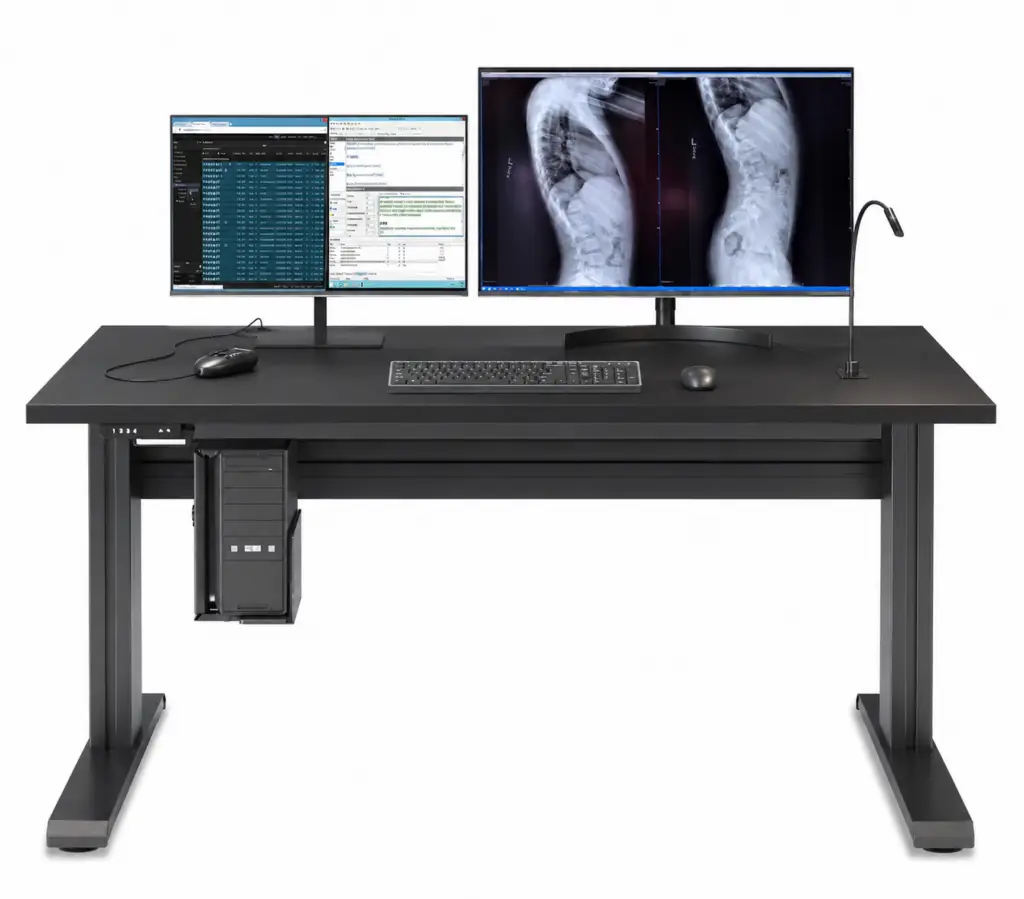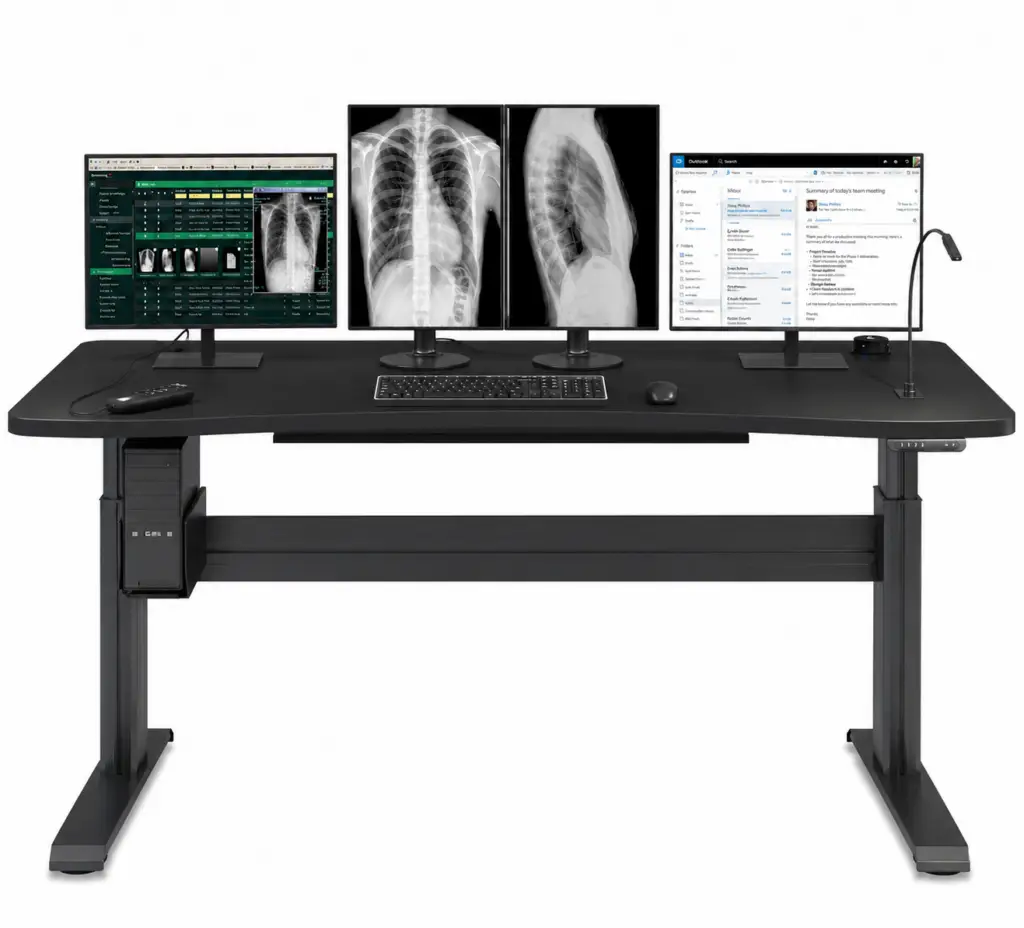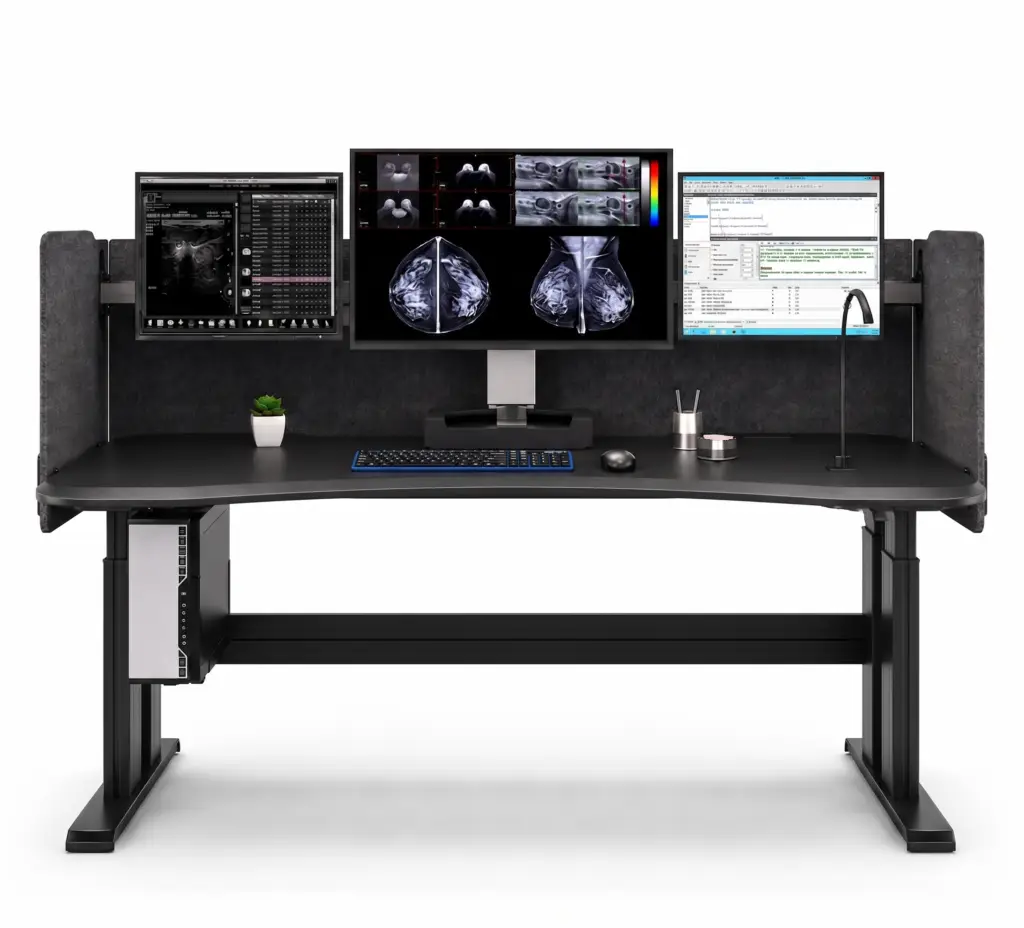
Phoenix I Dual Surface Workstation
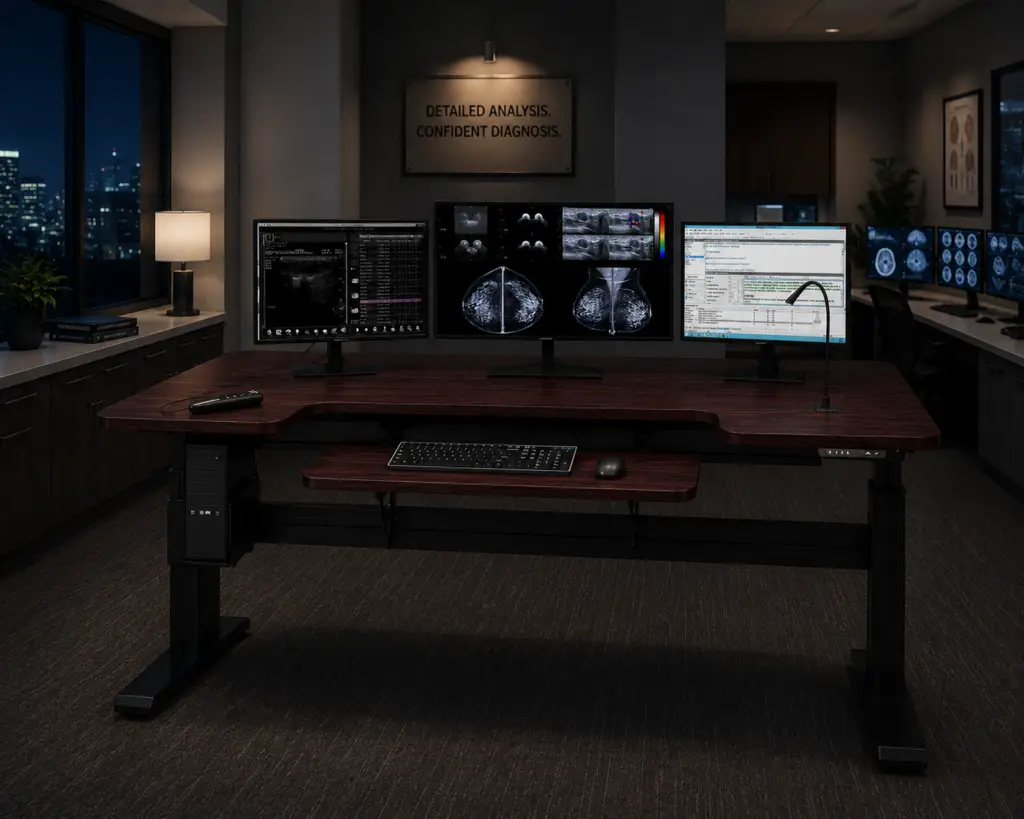
Typing posture matters as much as monitor height during a long reading shift. The Phoenix I Dual Surface adds a nested keyboard and mouse tier that positions input devices independently from the display surface. The result is a more natural wrist and shoulder angle that reduces fatigue and repetitive-motion risk.
• Dual Surface With Nested Keyboard Tray
• Electronic Sit-to-Stand, 4 Presets
• Dimmable Gooseneck Task Lighting
• Wireless Pop-Up Phone Charger
• Sized to Fit the Reader
• USA-Made for Radiology
Dual-Surface
|
Fits Every Reader
|
Installation Included
|
Display + CPU Bundles
Engineered for Ergonomic Workflow
The Phoenix I Dual Surface separates the keyboard tier from the display surface for true ergonomic alignment.
It keeps the radiologist comfortable and focused through extended diagnostic sessions.
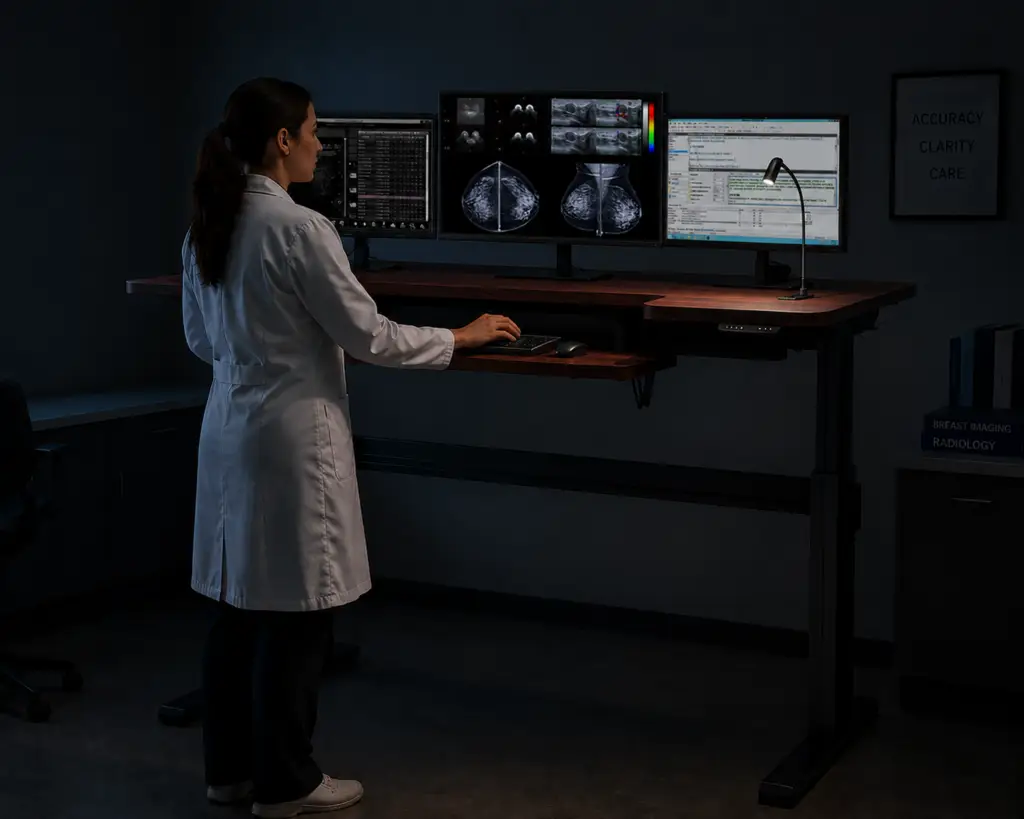
Two-Tier Ergonomics With Independent Sit-Stand
Input at the Right Height, at Any Height
Typing posture is one of the most overlooked sources of strain. The nested keyboard and mouse tray sits at its own level for a neutral wrist and forearm angle. The desk raises and lowers electronically with four presets and soft-collision sensors. Displays and input devices stay in correct relative position at every height.
- Nested Keyboard and Mouse Tray
- Neutral Wrist and Forearm Angle
- Electronic Sit-to-Stand, 4 Presets
- Soft-Collision Safety Stop Sensor
Built for Radiology, Made in the USA
Dual-Surface Strength, Single-Source Quality
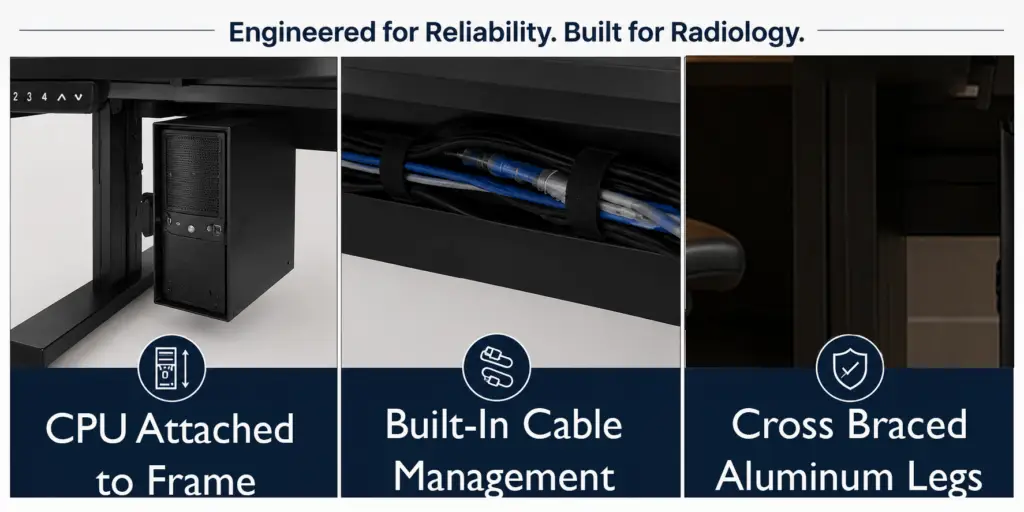
Two adjusting surfaces ask more of a frame, and the Phoenix I Dual Surface is built for it. It is manufactured in the USA with German-made actuators that move both tiers smoothly in step. The attached CPU rack rises with the surfaces, keeping every cable connected as positions change. Rust-resistant aluminum legs and cross-bracing hold the whole assembly rigid through years of use.
- USA-Built With German Actuators
- Attached CPU Rack That Moves With the Desk
- Eliminates Cable Disconnection
- Cross-Braced Aluminum for Rigidity

Sized to the Reader, Matched to the System
Two Surfaces, Workstation set to the Individual
With two surfaces, getting the fit right means setting both the display height and the keyboard height to the reader. A range that works for an average user can still leave very short or very tall radiologists reaching. DBI specifies each Phoenix I Dual Surface to the individual, and matches it to the displays and computing they work on.
- Fits a Wide Range of Reader Heights
- Configured for Very Short and Very Tall Readers
- Matched to Your Displays and CPU
- Configured With a DBI Specialist
Professional Installation and Complete Bundles
Delivered, Installed, and Ready to Read
A dual-surface station has more to set up, so DBI arranges and manages professional installation and sets both tiers to your specification. Diagnostic displays, computing, and seating can be bundled into the same order. You work with one point of contact from quote to completed install.
- Professional Installation, Coordinated by DBI
- Display and CPU Bundles Available
- Seating Bundles Available
- One Contact From Quote to Install
Phoenix I Dual Surface Specifications
Key details for a dual-surface reading workstation.
Configuration
Dual surface with nested keyboard and mouse tray, Bluetooth capability
Surface Size
60 x 30″ or 72 x 30″
Height Adjustment & Presets
Electronic sit-to-stand; 4 programmable presets
Weight Capacity
450 lbs
Safety
Soft-collision stop sensors
Reader Fit
Configured to the individual reader’s height; 27 to 47″
CPU Support
Rack Mounted, moves with desk. Adjusts from 5 1/4” -8” Wide and 9” to 18-3/4” High, Supports up to 40 lbs.
Lighting
Dimmable gooseneck task light
Power
Desk Top Power includes charging Dock with (1) USB-A, (1) USB-C, and (1) AC Port
Cable Management
Under Desk Cable Closet, Wire Management box for 60” Desk. Includes (2) 6 outlet Power strips, 110-125V AC, 50-60 Hz
Frame
Rust-resistant aluminum legs, cross-braced
Actuators
German-made
Manufacturing
USA
Installation
Professional installation included, managed by DBI
Bundling
Diagnostic displays, CPU, and seating available
Warranty
10 year warranty on base, 5 year warranty on work surface.
Phoenix I Dual Surface FAQs
What does the second surface actually do?
The second surface is a nested keyboard and mouse tier set below the display surface. It lets you position input devices at a neutral, independent height for better wrist and shoulder posture.
Who benefits most from the dual-surface design?
Radiologists who type and dictate heavily benefit most. The separate input tier maintains correct ergonomics whether sitting or standing.
Does the Phoenix I Dual Surface include installation?
Yes. DBI arranges and manages professional installation and sets both the display surface and keyboard tier to your specification.
How do you make sure the desk fits the radiologist?
It is a consultative sale. A DBI specialist matches the model and height configuration to the individual reader — including very short and very tall readers — and to the displays and computing they use.
Can I order the desk with displays, a computer, and a chair?
Yes. DBI bundles diagnostic displays, CPU solutions, and seating with the workstation, so it arrives as one integrated solution.
I have an older Anthro Steve's Station at home. Is the Phoenix Home a replacement?
Yes. The Phoenix Home is the modern successor to home setups like the Anthro Steve's Station. Contact a DBI ergonomic specialist to plan a direct upgrade.

Read and dictate all day?
A DBI specialist will set both surfaces to your readers, bundle your displays and computing, and arrange installation. Request a quote for a complete dual-surface station.